Launch
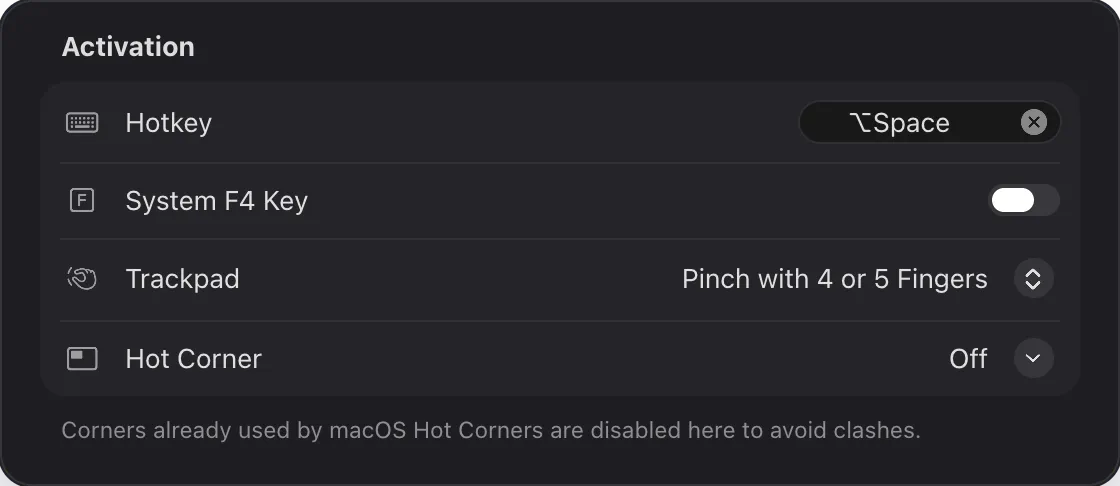
One gesture, your whole library. Right on the screen you’re using.
 LaunchingPad
 Download for macOSFree
Version 4.6 (43)
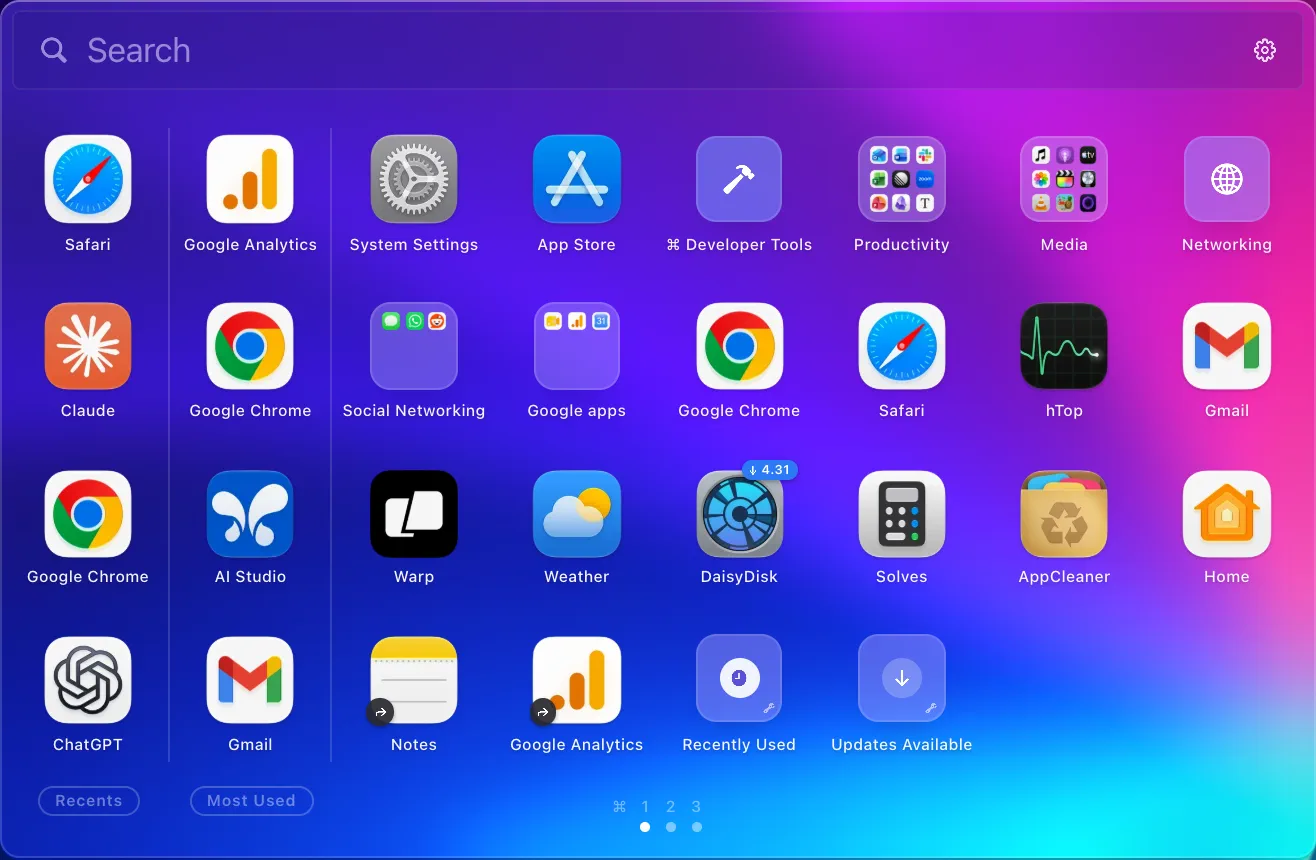
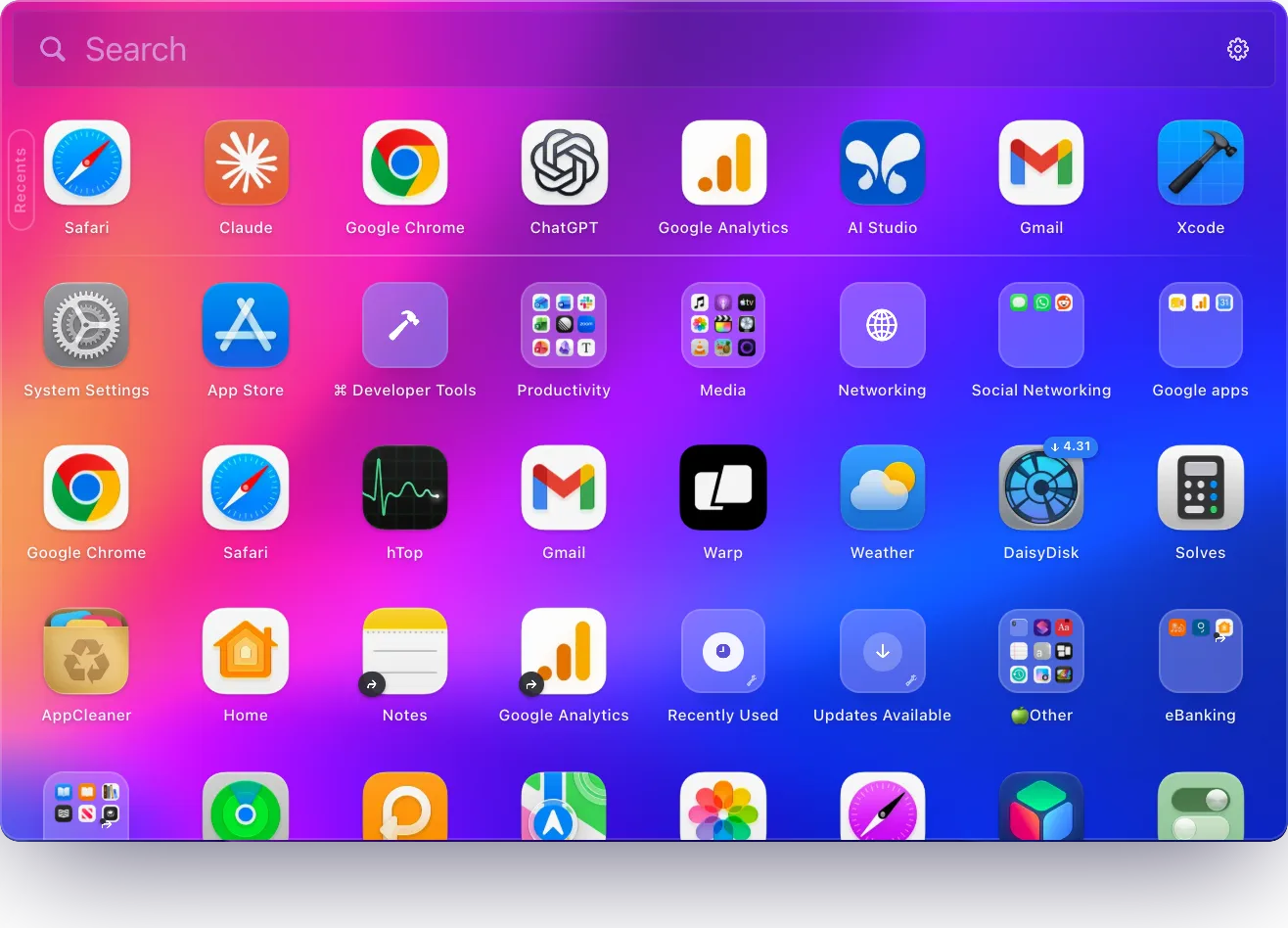
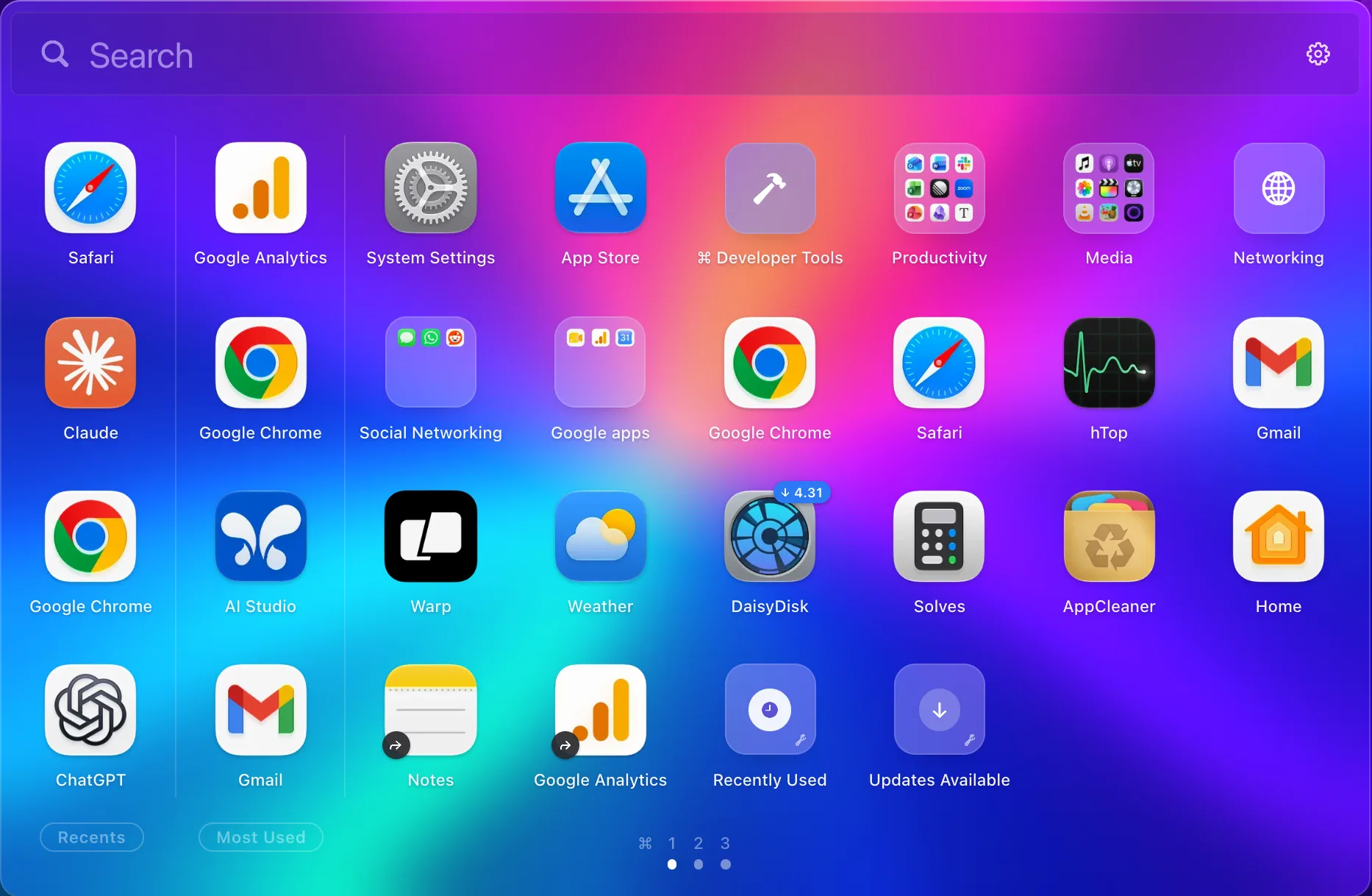
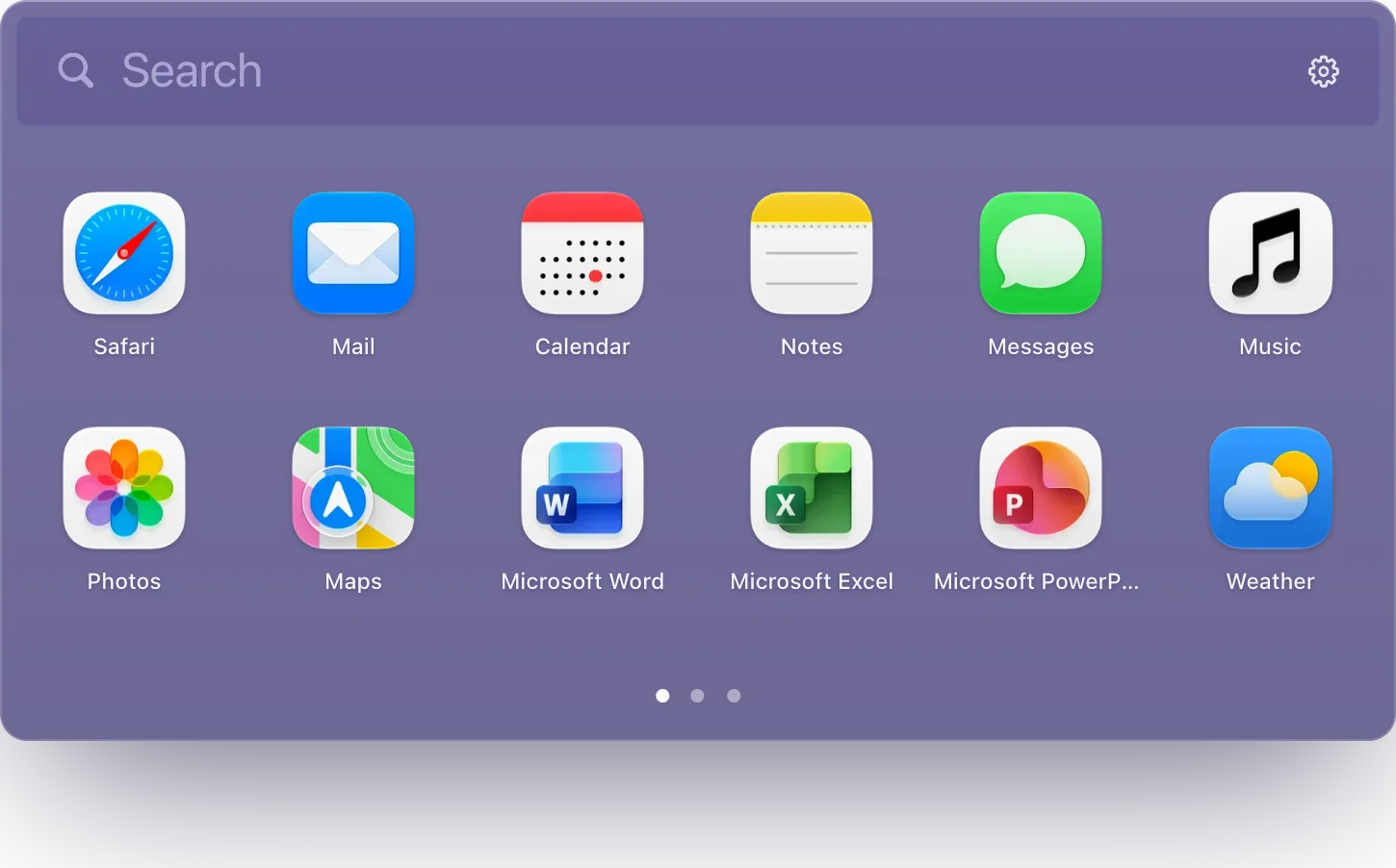
A full-screen app grid, or a floating window. Each keeps its own grid size.
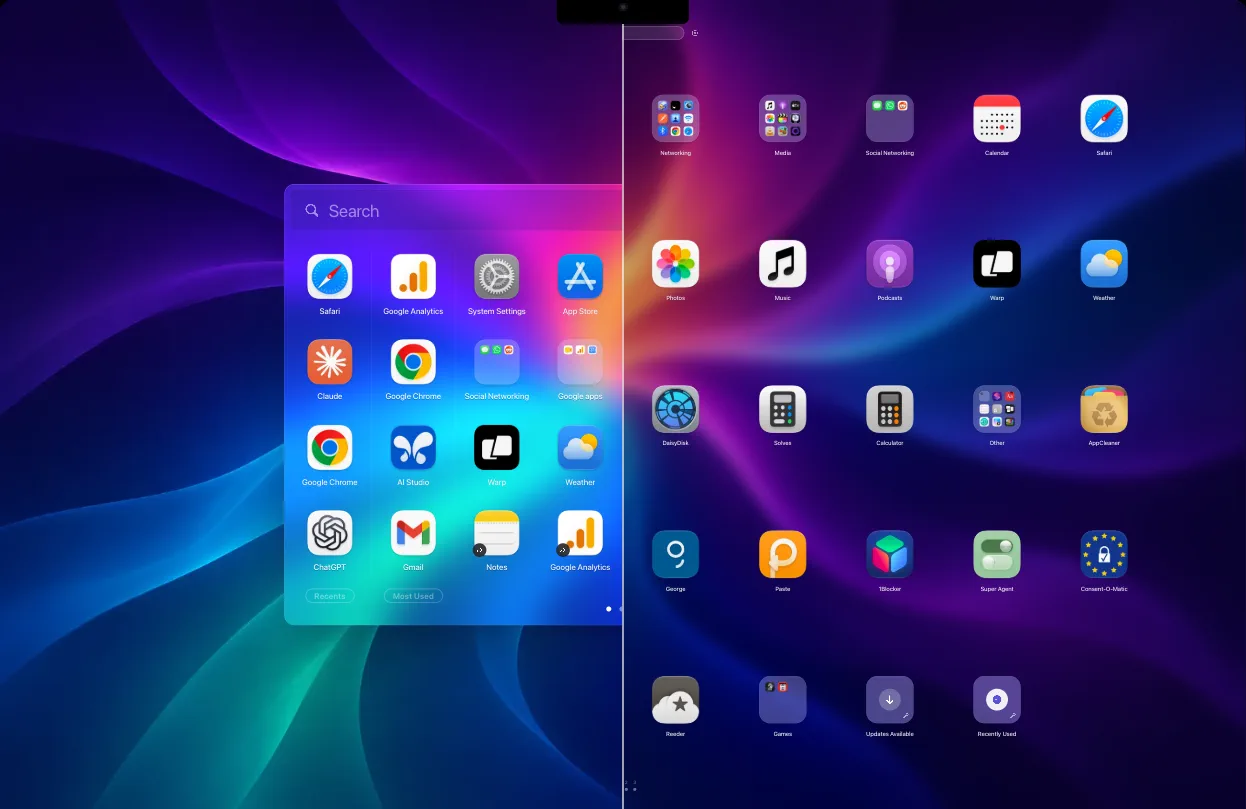
One gesture, your whole library. Right on the screen you’re using.
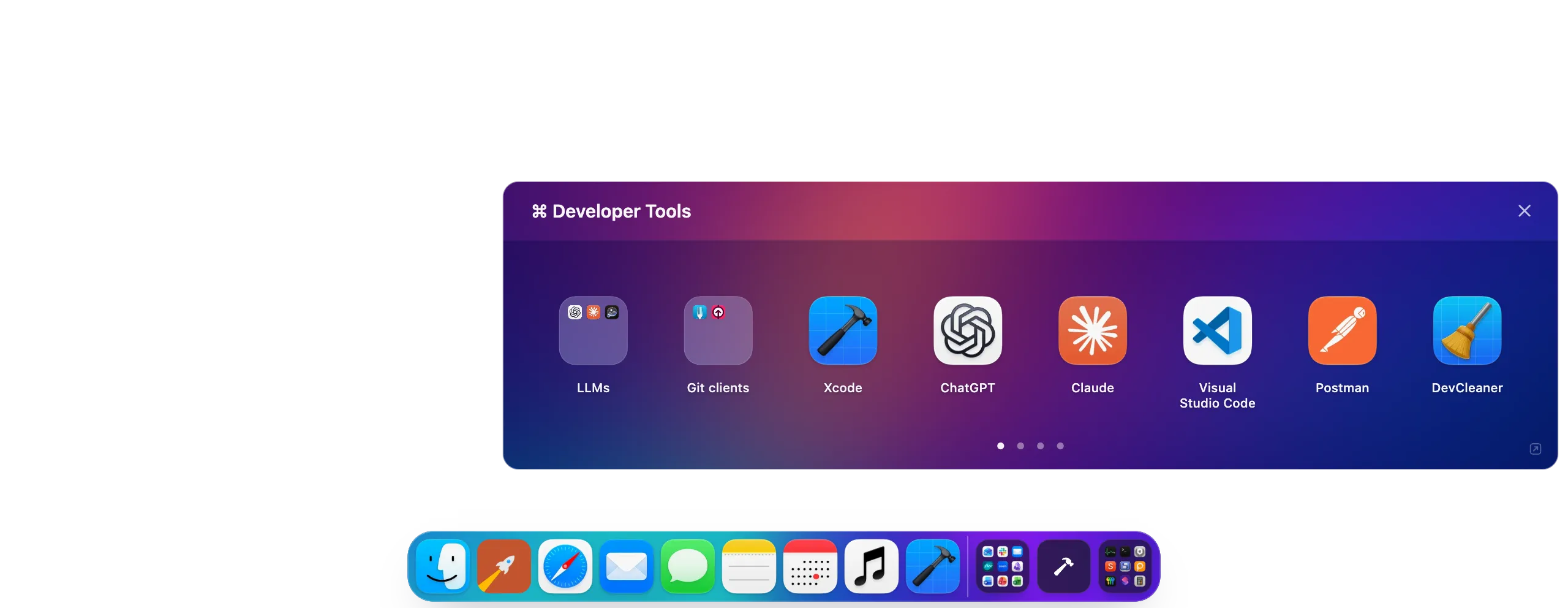
Always within reach. In the menu bar, the Dock, both or neither.
Make an entrance. Eight opening animations, full screen or windowed.
Drag. Stack. Done. Draw a box around a few apps, or ⌘-click them, and drag them all into a folder at once.

Change your mind. ⌘Z takes back any move, folder, rename or alias, up to fifty steps. ⇧⌘Z puts it back again.
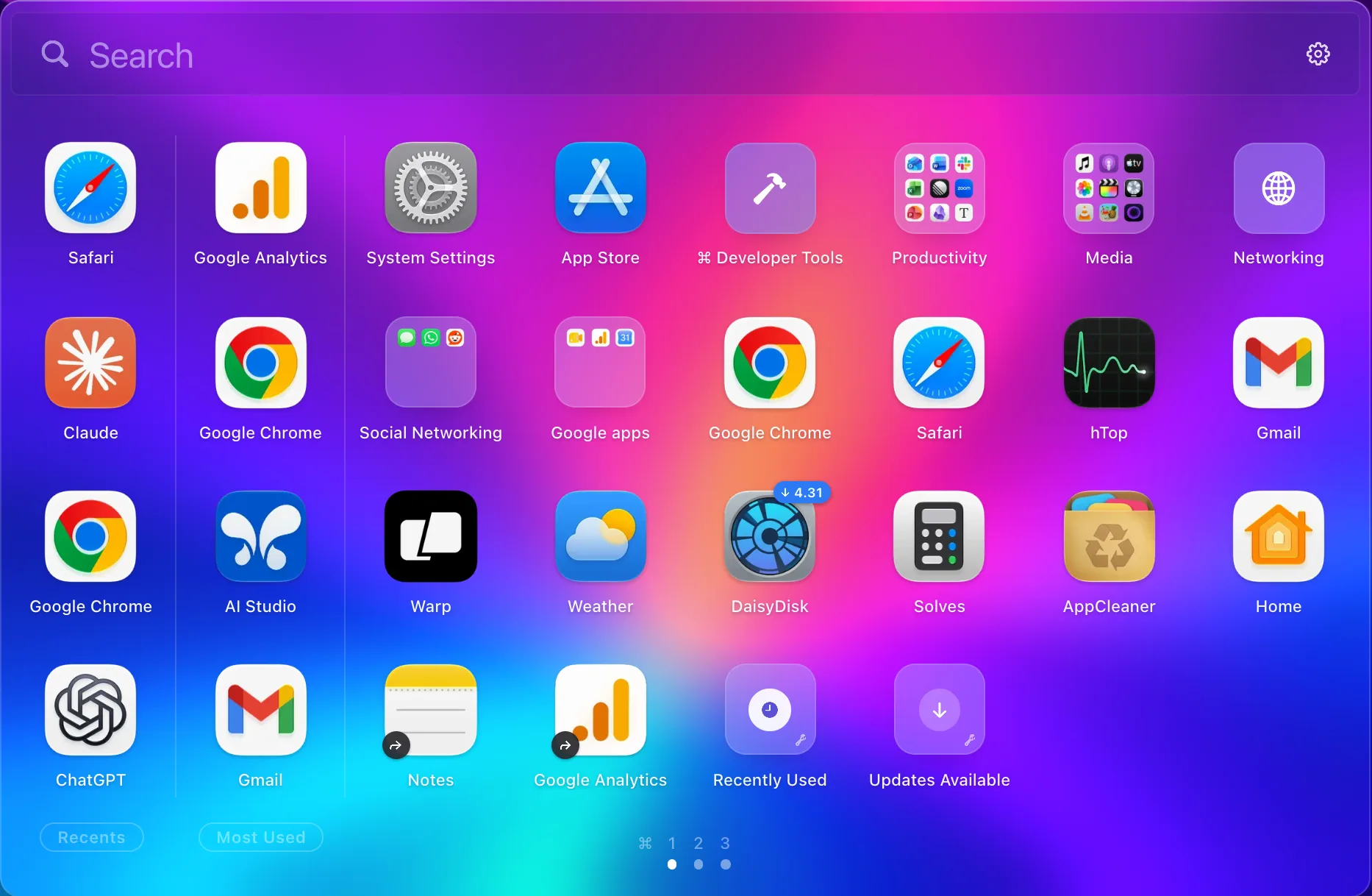
One app, many places. An alias puts an app in another folder or page too, and the original stays where it is.
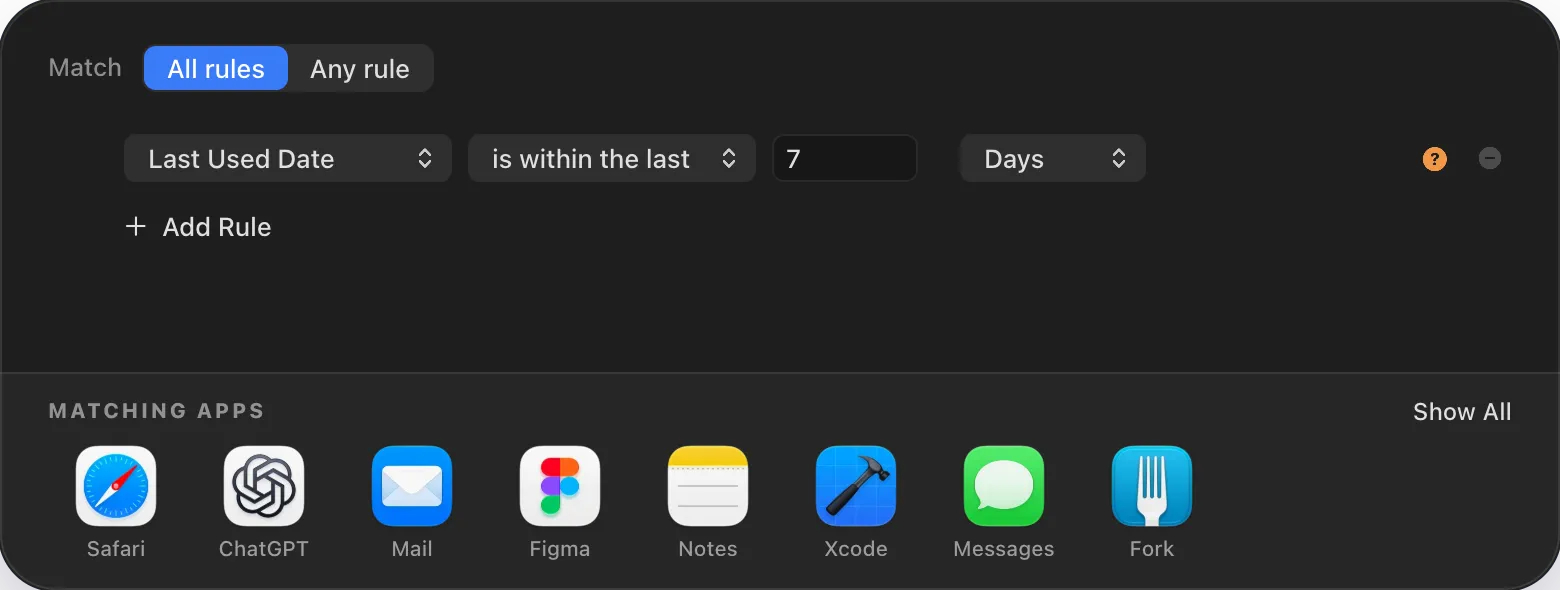
Folders that fill themselves. Describe what belongs — a developer, a category, where an app came from — and the folder keeps itself current.
Find apps by where they are, or by typing. Pages you arrange, with Recents and Most Used pinned beside them. Fuzzy search for the times you’d rather type — “dsk” is enough for Disk Map. Return launches the first result.
The grid is also where you take care of your apps. Uninstall an app together with its leftover preferences, caches and support files — after you’ve seen every one. See which apps have updates waiting. Inspect an app’s version, signature, architecture and permissions.
Your layout, to the pixel. A grid anywhere from a roomy 4 × 3 to a dense 10 × 9, or a window that reflows as you resize it. Custom icons for any app, a symbol for any folder. Saved arrangements to jump between, and your old Launchpad layout imported in one step.
You never need the mouse. Arrows and Tab move through your apps, ⌘1–9 jumps to a page, ⌘G makes a folder and ⌘N a Smart Folder. ⌘Z and ⇧⌘Z undo every layout change.
Speaks your language. Every menu, setting and sheet in ten languages. It follows your Mac, or you pick one in Settings.
“Of all the Launchpad alternatives I’ve tested so far, I don’t think any is as complete or as polished as this one.”
“LaunchingPad is the closest visual match”
“Works smoothly and contains some features that other Launchpad apps have locked on pro mode.”
Free · macOS 26 Tahoe or later · Apple silicon and Intel